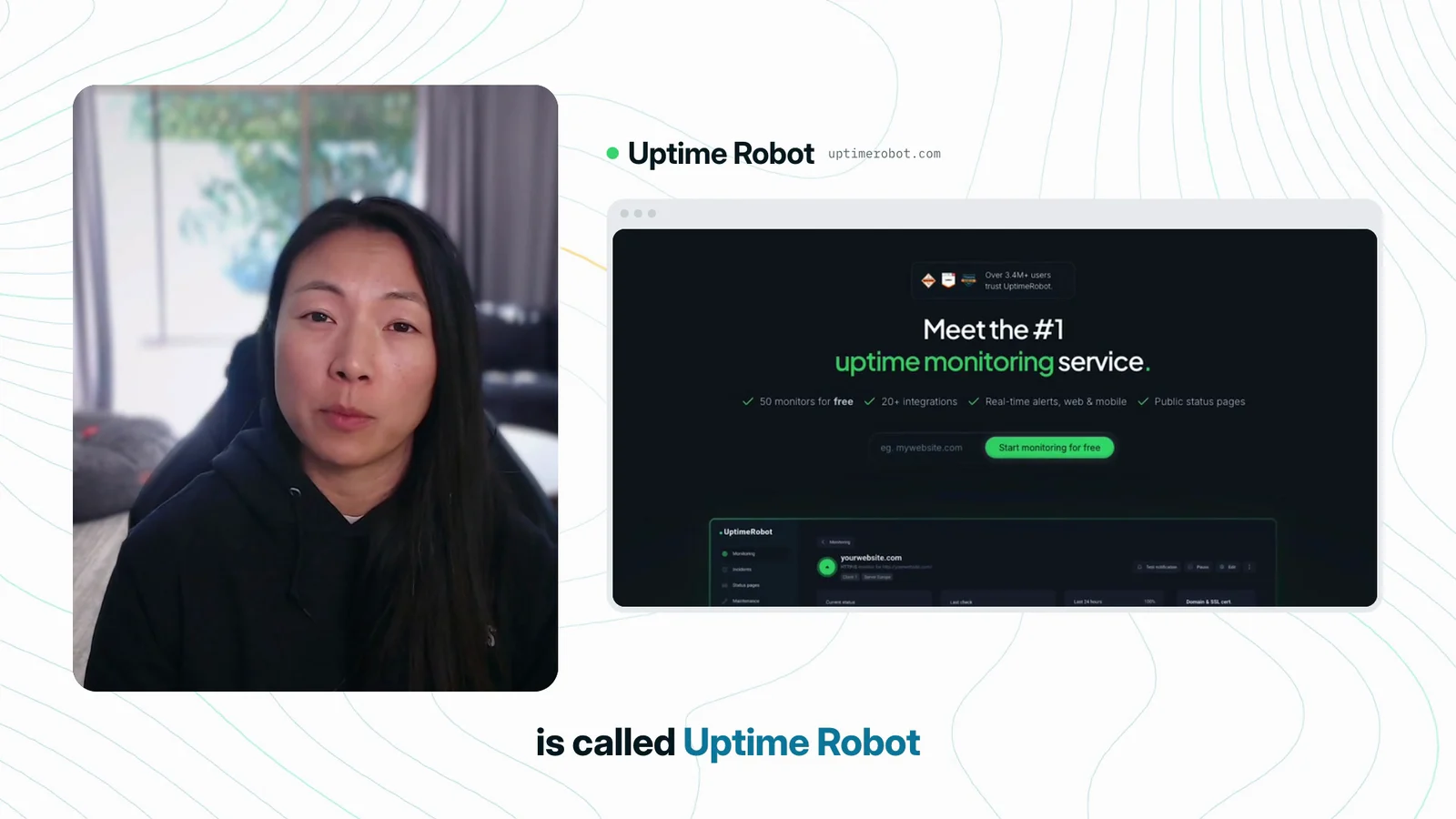
Set it up
- Create a free account at uptimerobot.com.
- Click New and choose HTTP / website monitoring.
- Paste your site's address under URL to monitor.
- Choose your alerts under Notifications and alerts.
- Leave the interval at 5 minutes and click Create monitor.
Start with your home page, then your signup or booking page. For an automation, use a health check address, never the webhook that starts it. Otherwise the monitor triggers a run every 5 minutes. The free plan covers 50 monitors.
Choose your alerts
| Alert | Cost |
|---|---|
| Free | |
| Uptime Robot app on iOS or Android | Free |
| Text message | 1 credit per text in most countries |
| Voice call | 2 credits per call |
Credits are one-time purchases.
Or let an agent do it
Sign in to Uptime Robot yourself first, then give an agent with computer use, like ChatGPT Work or Codex, this prompt:
I need my website monitored. Use computer use.
Set up Uptime Robot monitors for [your website] and [your automation's health check address].
Never monitor a webhook that starts a workflow.
Send alerts to my account email. Ask me before you choose anything you are unsure about.
Check the monitors it creates before you rely on them. A monitor tells you whether an address responds, not whether the work behind it succeeded. Fixing problems, and telling affected clients, stays with you.